Voice Typing & AI Writing Everywhere on the Web
Transform any text field into a voice-powered writing experience. Dictate emails, write documents, chat on social media—all with your voice. Plus, VoxGenie AI helps you write better, faster.
Everything You Need for Web Writing
Voice dictation, AI enhancement, and smart tools that work on any website
Floating Mic Button
A draggable mic button appears on any text field. Click to start voice dictation instantly—no typing required.
AI Enhancement
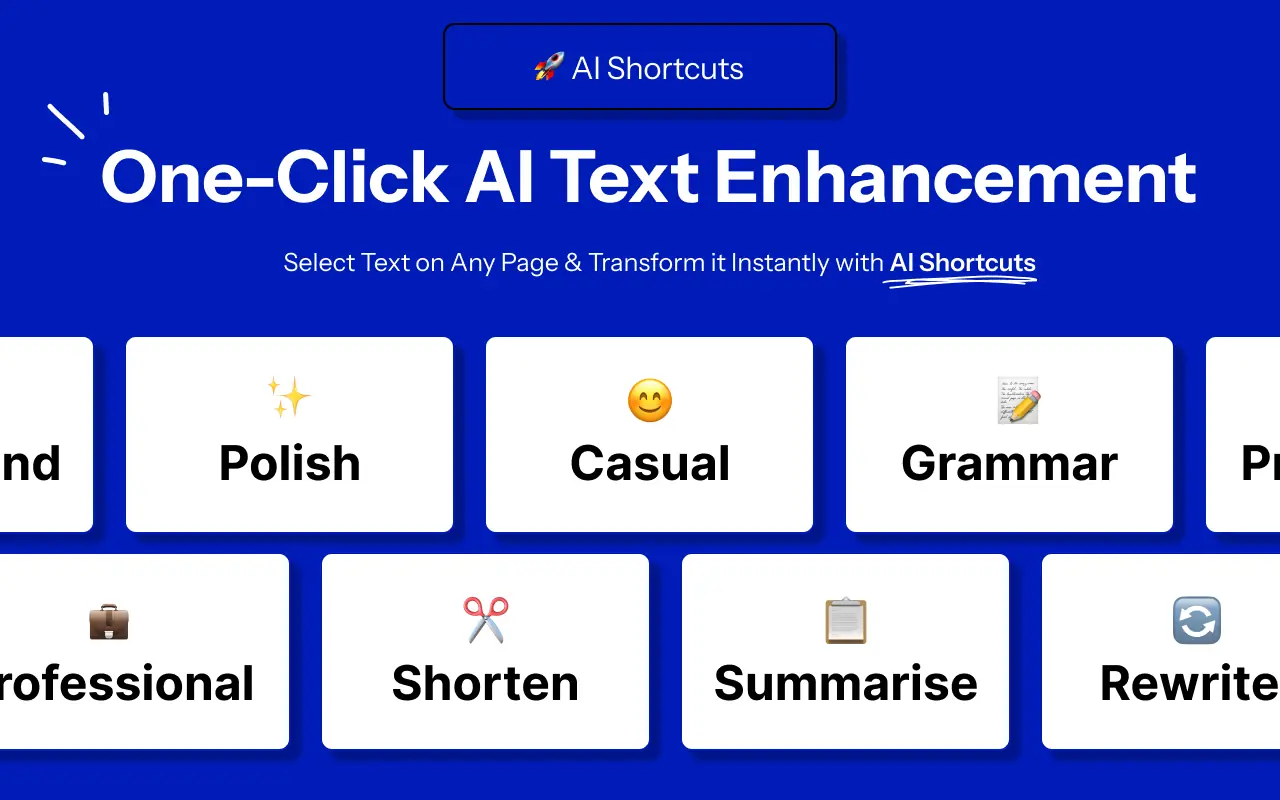
Polish your text, fix grammar, change tone, expand or summarize—all with one click using advanced AI.
VoxGenie AI Assistant
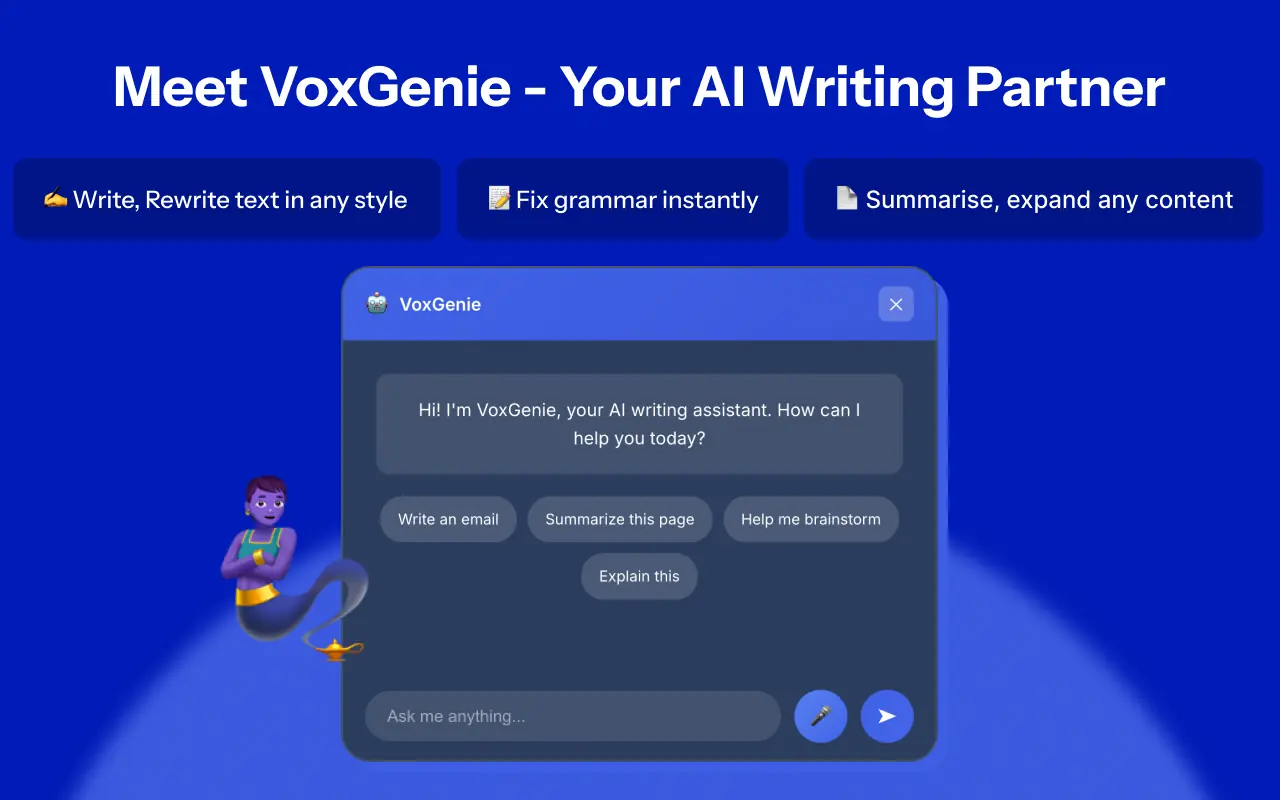
Your personal AI writing assistant in a side panel. Ask questions, write emails, summarize pages, and more.
60+ Languages
Speak in any of 60+ languages with automatic detection. Multi-language support for global communication.
Keyboard Shortcuts
Ctrl+Shift+V for voice, Ctrl+Shift+E for enhance, Ctrl+Shift+G for VoxGenie. Power users love this.
Smart Clipboard
Access your clipboard history, save frequently used text, and paste with one click from the extension.
One-Click AI Text Enhancement
Select text on any page and transform it instantly with AI shortcuts. Polish, make it professional or casual, fix grammar, shorten, expand, rewrite, or summarize—all with a single click.
Meet VoxGenie: Your AI Writing Partner
VoxGenie lives in a convenient side panel, ready to help with any writing task—write emails, brainstorm, summarize pages, and more.
VoxGenie Powers Your Writing
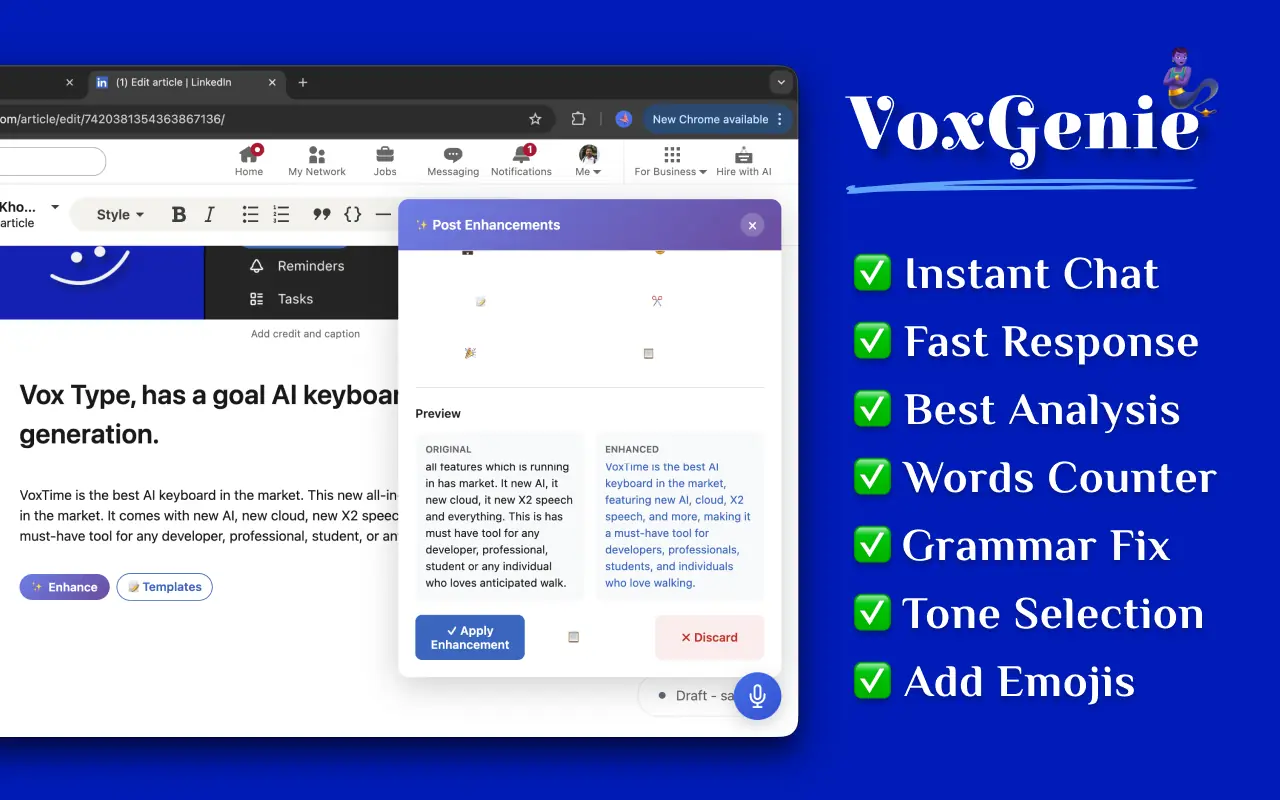
Instant Chat
Ask anything, get instant AI responses
Fast Response
Lightning-fast AI processing
Grammar Fix
Fix grammar and spelling instantly
Tone Selection
Professional, casual, friendly & more
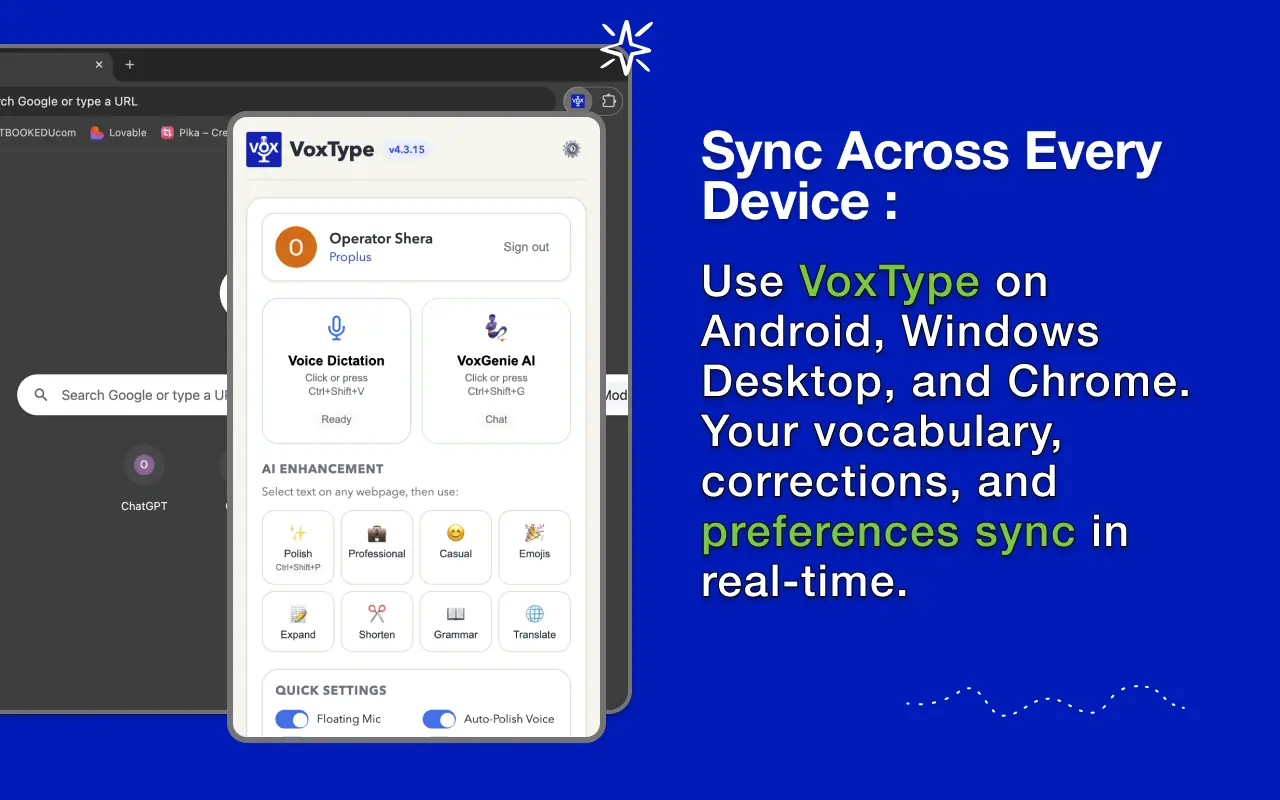
Sync Across Every Device
Use VoxType on Android, Windows Desktop, and Chrome. Your vocabulary, corrections, and preferences sync in real-time across all platforms.
Dictionary Sync
Custom words sync across all devices
Learning Sync
Teach once, benefit everywhere
Analytics
Track your progress across platforms
Compatible with All Your Favorite Sites
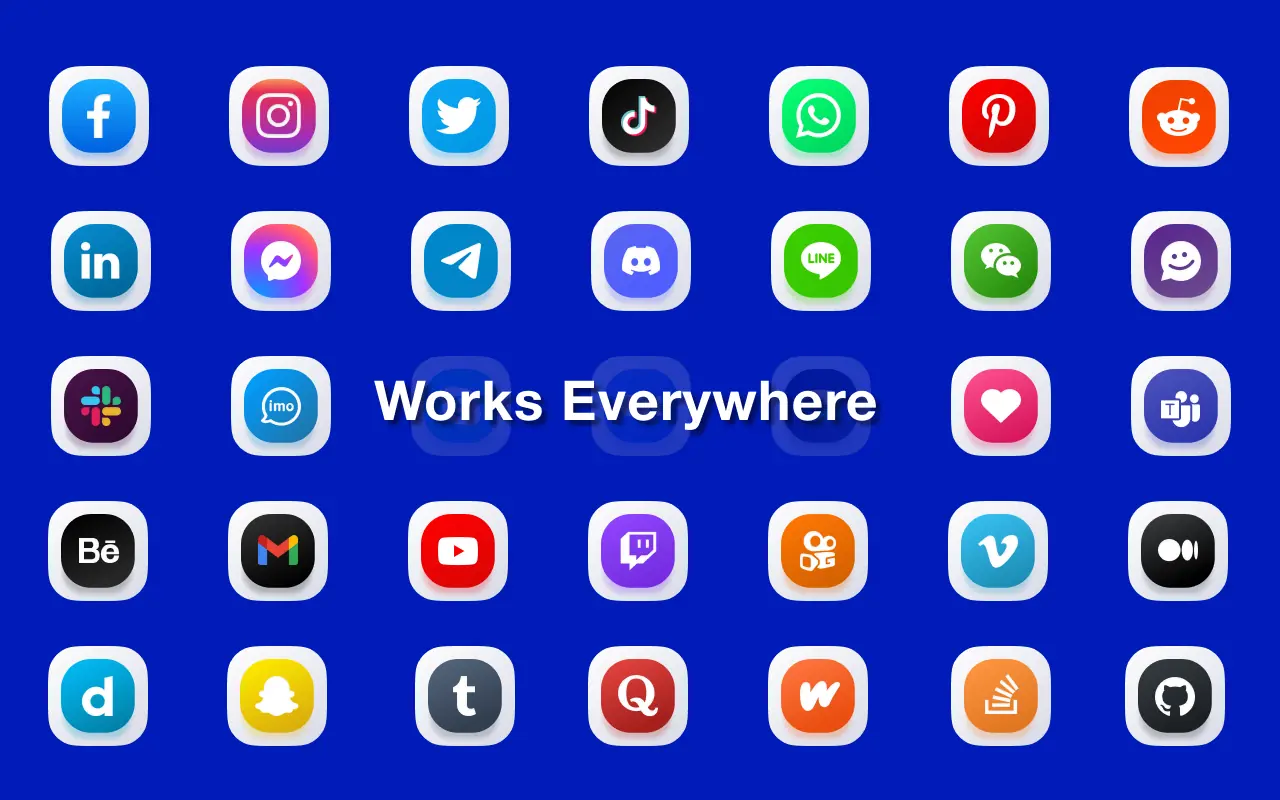
VoxType works on any website with text input—Gmail, LinkedIn, Twitter, Slack, Discord, and thousands more.
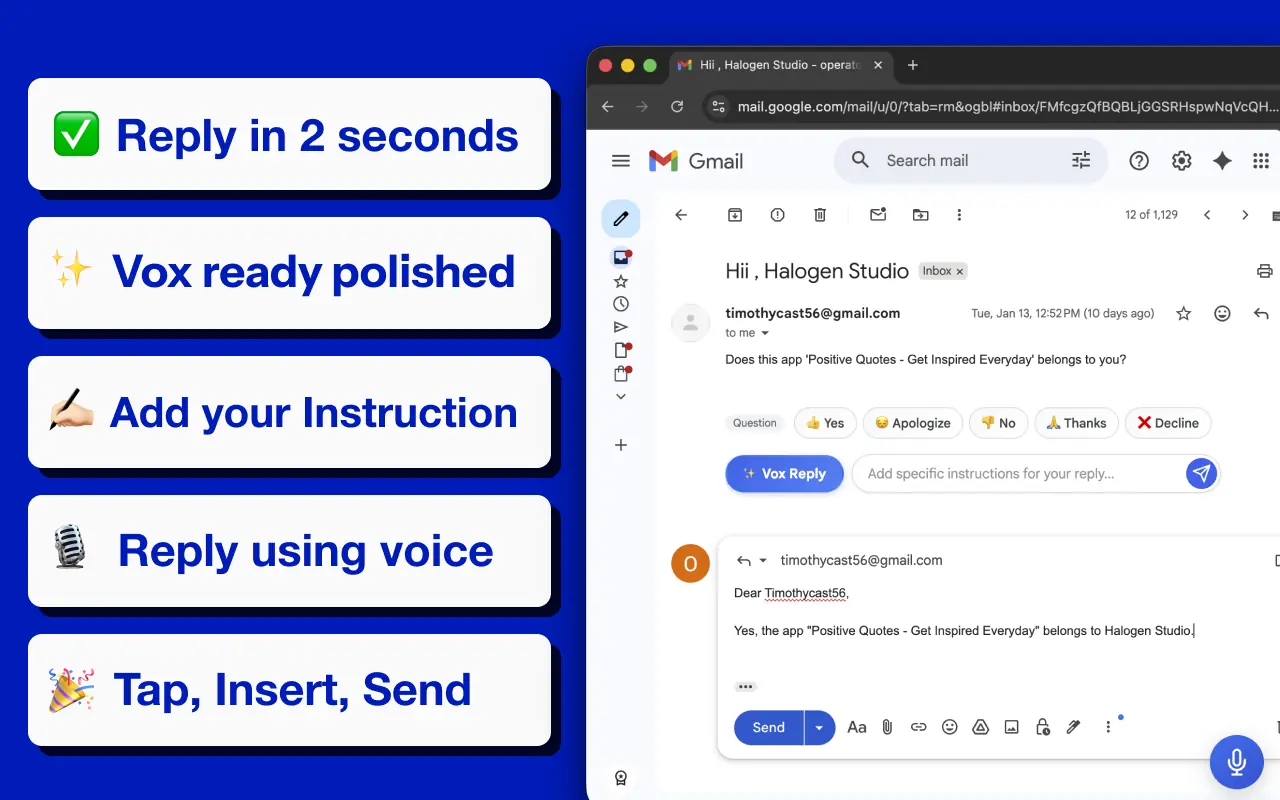
Reply to Emails in Seconds
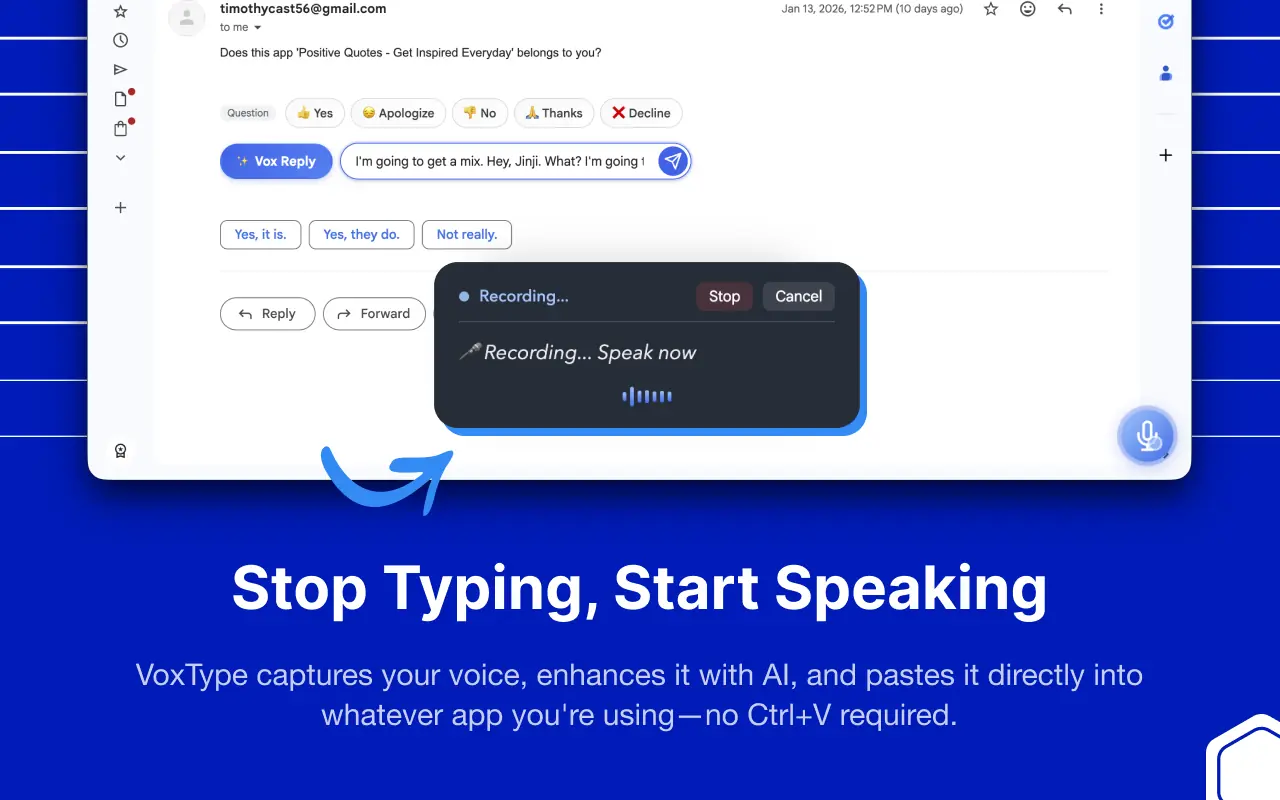
VoxType transforms how you handle emails. See a question? Click Vox Reply, add your instruction, and get a polished response instantly. Voice input or text—your choice.
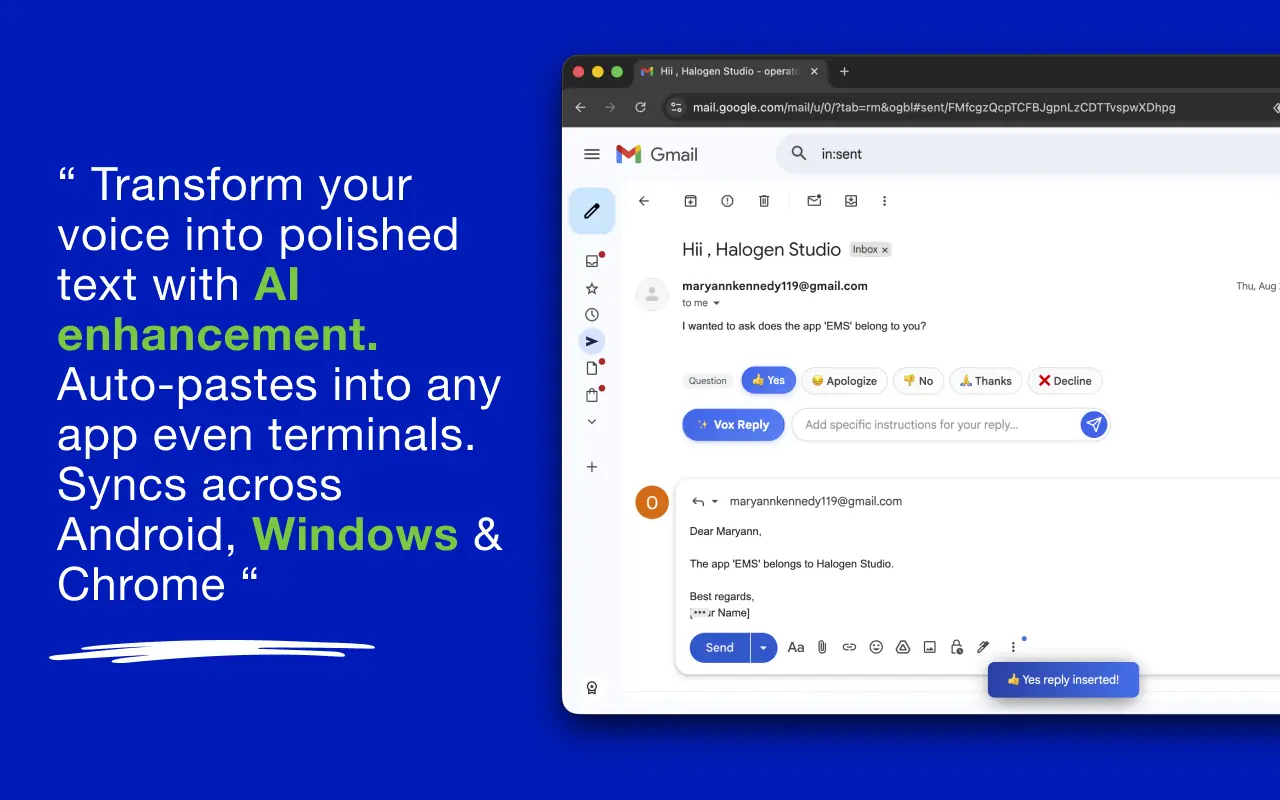
Transform Voice into Polished Text
Speak naturally, get professional results. VoxType captures your voice, enhances it with AI, and auto-pastes into any app—even terminals. Syncs across Android, Windows & Chrome.
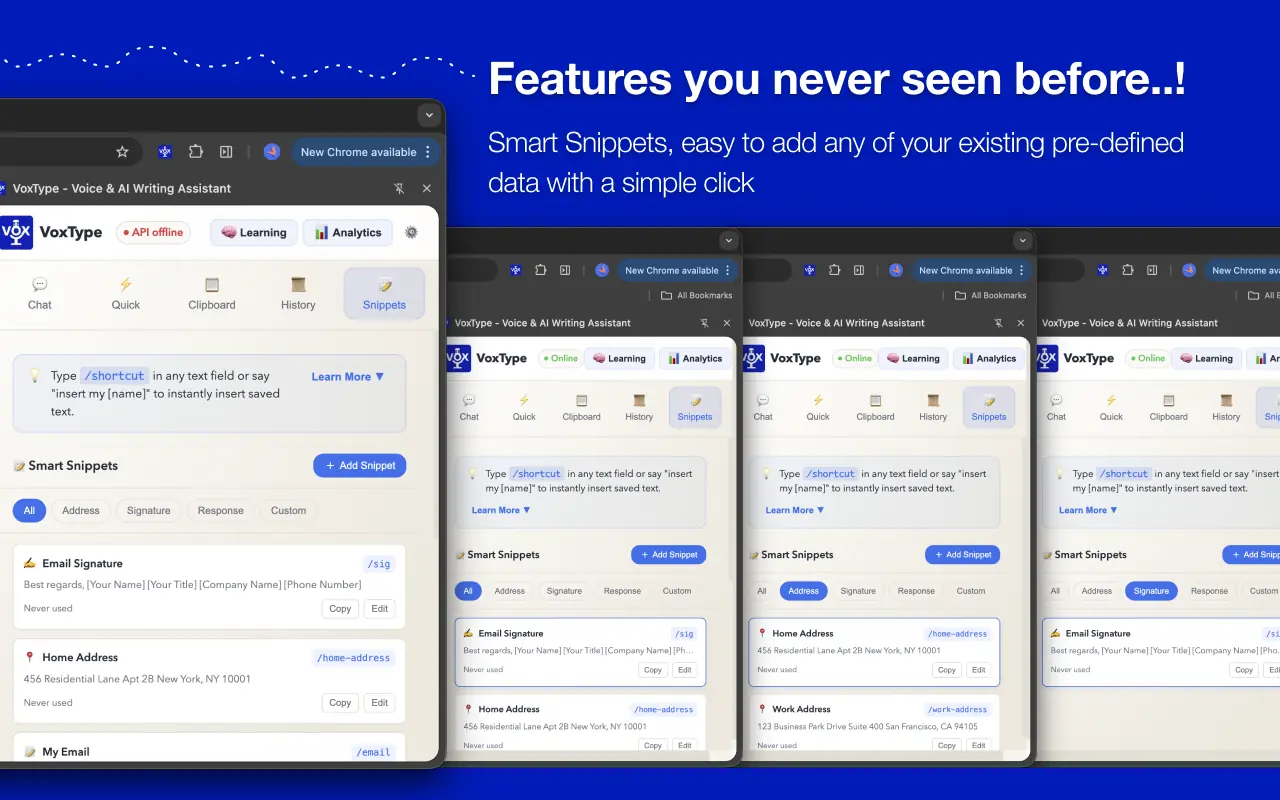
Features You've Never Seen Before
Smart Snippets let you save and instantly insert pre-defined text with a simple shortcut. Email signatures, addresses, common responses—all at your fingertips.
Up and Running in 30 Seconds
Four simple steps to voice-powered writing on the web
Install Extension
Add VoxType to Chrome from the Web Store. One click, instant install.
Sign In
Use your Google account (same as VoxType Android for sync).
Click the Mic
See the floating mic on any text field? Click it to start dictating.
Enhance with AI
Select text and use AI shortcuts to polish, rewrite, or transform.
Your Privacy is Sacred
Built in Vermont with a deep commitment to your privacy
Voice Data Never Stored
Your voice is processed and immediately discarded. We never store, sell, or share your audio recordings.
End-to-End Encryption
All data transmission uses industry-standard encryption. Your text stays between you and our servers.
No Keystroke Logging
Unlike some extensions, we NEVER log your keystrokes. What you type stays on your device.
Delete Anytime
Request complete data deletion at any time. We comply within 24 hours—no questions asked.
One Subscription, All VoxType Products
Your VoxType subscription works across Keyboard, Chrome Extension, Desktop App & VoxPM
Complete your 30-day trial to unlock an exclusive extra discount on annual plans.
- ✓ 15 voice minutes/month
- ✓ 20 AI enhancements/month
- ✓ 5 languages
- ✓ Basic AI autocorrect
- ✓ Floating mic button
- ✓ Clipboard history
- ✓ Personal dictionary
- ✓ Unlimited voice minutes
- ✓ Unlimited AI enhancements
- ✓ 60+ languages with auto-detect
- ✓ All 5 AI tone variations
- ✓ Cloud voice (premium engines)
- ✓ Autofill profiles
- ✓ Dictionary cloud sync
- ✓ Everything in Pro, plus:
- ✓ Vox Genie AI assistant
- ✓ Vox Notes encrypted
- ✓ Offline AI voice + text
- ✓ Premium AI engines
- ✓ Custom prompts
- ✓ Domain packs
- ✓ Advanced personas
- ✓ Priority support
Not satisfied? Full refund within 30 days, no questions asked.
Made with Love in Vermont, USA
VoxType is built by a small team in the beautiful Green Mountain State. We believe privacy is a right, not a feature. Our mission is to make voice technology accessible while keeping your data absolutely private.
One Subscription. All Platforms.
Your VoxType account works seamlessly across all our products
VoxType Keyboard
AI-powered voice keyboard for Android. Type 3x faster with 97% accuracy.
- ✓ Voice dictation in 60+ languages
- ✓ AI text enhancement
- ✓ Swipe typing & themes
Chrome Extension
Voice typing & AI writing for any website. Works on Gmail, Docs, LinkedIn & more.
- ✓ Floating mic on any text field
- ✓ AI shortcuts (Polish, Rewrite)
- ✓ VoxGenie AI assistant
Desktop App
Full VoxType experience on your computer with offline AI capabilities.
- ✓ System-wide voice typing
- ✓ Offline AI processing
- ✓ VoxPM integration
VoxPM
AI-powered meeting intelligence. Record, transcribe, and extract insights automatically.
- ✓ One-click meeting recording
- ✓ AI transcription (90+ languages)
- ✓ Smart summaries & action items
- ✓ Speaker diarization
Your dictionary, corrections, and learning sync across all VoxType platforms. Teach VoxType once, benefit everywhere.
Frequently Asked Questions
Everything you need to know about VoxType Chrome Extension
Yes! The extension is free to install and includes 15 voice minutes and 20 AI enhancements per month. Upgrade to Pro or Pro+ for unlimited usage and additional features like VoxGenie AI, cross-platform sync, and VoxPM Meeting Intelligence. Enjoy a 30-day free trial on paid plans — no credit card required, no obligation.
Yes! One subscription covers everything. Sign in with the same Google account across VoxType Keyboard (Android), Chrome Extension, Desktop App, and VoxPM. Your Pro or Pro+ benefits apply everywhere automatically.
VoxPM is our AI-powered Meeting Intelligence platform. Upload or record meetings to get automatic transcription, smart summaries, action items, and key decisions. VoxPM is included exclusively with Pro+ subscriptions—no extra cost.
VoxType works on virtually any website with text input fields—Gmail, Google Docs, LinkedIn, Twitter, Facebook, Slack, Discord, Reddit, Notion, and thousands more. If you can type in it, you can voice-type in it.
Absolutely. Your voice is processed for transcription and immediately discarded. We never store, sell, or share your audio recordings. All data transmission is encrypted end-to-end. Read our full Privacy Policy.
With Pro+, your corrections and custom dictionary sync across Android, Chrome, Desktop, and VoxPM. When you teach VoxType a new word or correction on one platform, it automatically appears on all others within minutes.
Ctrl+Shift+V starts voice dictation, Ctrl+Shift+E enhances selected text with AI, and Ctrl+Shift+G opens VoxGenie. You can also use Ctrl+Shift+P to open settings.
Yes! You can cancel your subscription anytime from your account settings. We also offer a 30-day money-back guarantee—if you're not satisfied, we'll refund you in full, no questions asked.
Ready to Type with Your Voice?
Join thousands of users who've transformed their web writing experience with VoxType Chrome Extension.